Insights
A CMS isn’t just for adding content — it’s a structural foundation. When built correctly in Framer, it enables flexibility, consistency, and long-term growth.

Introduction
Many websites break not because of poor design — but because of poor structure.
In Framer, a CMS can either become a powerful scaling tool or a limitation. The difference lies in how it’s architected from the start.
Scalability isn’t accidental. It’s intentional.
1. Start With Content Modeling, Not Design
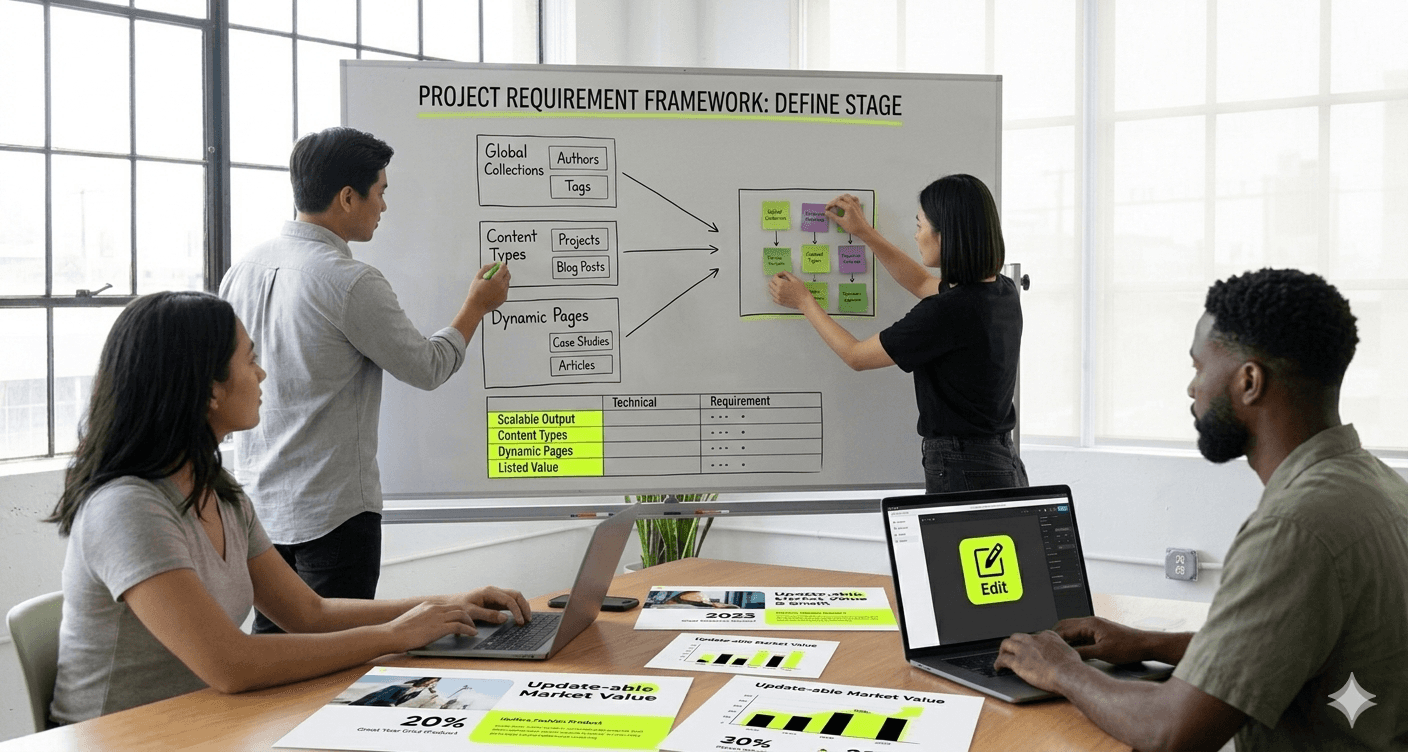
Before creating collections, define:
What content types exist?
What fields are actually necessary?
Which fields should be reusable?
What relationships exist between collections?
When structure follows strategy, future updates become effortless.
2. Avoid Overcomplicating Field Types
Adding unnecessary fields increases complexity and maintenance.
Keep collections:
Focused
Logical
Consistent
A lean CMS is easier to manage and less prone to structural issues.
3. Use References Strategically
Connecting collections (e.g., linking case studies to services) creates dynamic systems instead of isolated content.
This allows:
Smarter filtering
Cleaner architecture
Content reuse across multiple pages
Relational structure increases flexibility.
4. Build Reusable Component Systems
CMS structure and component systems should work together.
Design dynamic components that adapt to content length and variation without breaking layout consistency.
Scalability depends on modular thinking.
5. Plan for Growth
Ask:
What happens when content doubles?
What happens when categories expand?
What if filtering becomes necessary later?
A scalable CMS anticipates growth rather than reacting to it.
Conclusion
Framer’s CMS is powerful — but only when structured intentionally.
When content architecture, components, and relationships align, websites become easier to manage, faster to update, and built for long-term expansion.
Scalability is not a feature.
It’s a design decision.
Category
Development
Written By

Liam Chen
Framer Developer
Related Articles